WhatsApp first
Let's connect.
Tap what you need. WhatsApp opens with your message ready. Just press send.
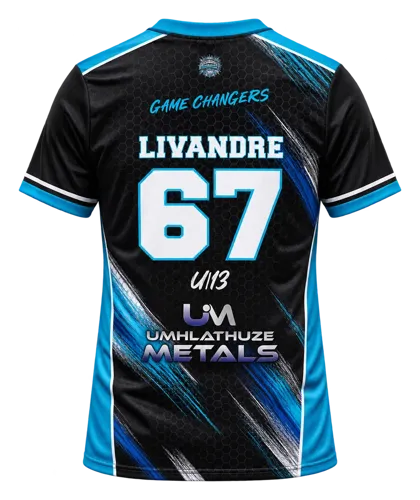
- Sport kitSends: "Hi Eduwear! I'd like a quote for sport kit."Opens WhatsApp →
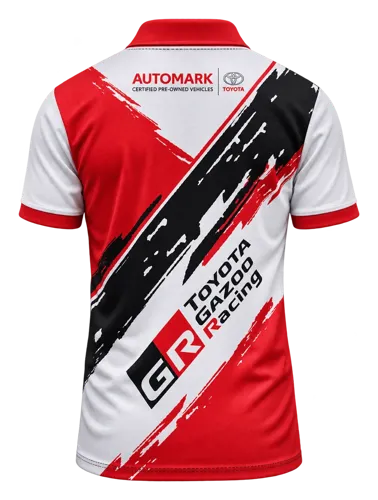
- Corporate wearSends: "Hi Eduwear! I'd like a quote for corporate wear."Opens WhatsApp →
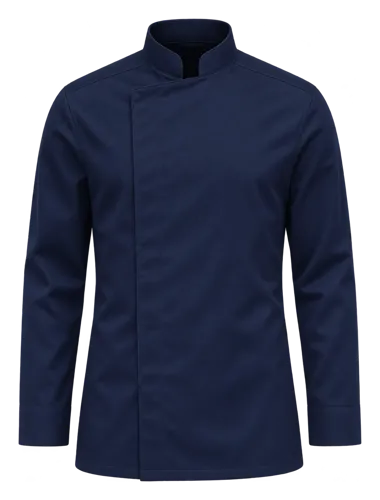
- Hospitality uniformsSends: "Hi Eduwear! I'd like a quote for hospitality uniforms."Opens WhatsApp →
- Something elseSends: "Hi Eduwear! I have a question."Opens WhatsApp →
Optional
Want to send more detail?
Tap a few answers and we'll have them before we reply. It still opens WhatsApp, with no name, number or email to type.
Send via WhatsApp
Preview: "Hi Eduwear! I'd like a quote."
What happens next
Three steps. All on WhatsApp.
- 1You send the messageIt's already written. Just press send.
- 2We reply on WhatsAppWe ask for your logo or artwork and any details we need.
- 3You get your quoteThen you approve the design and we make it.
Prefer something else?
Other ways to reach us.
Call
Same number as WhatsApp.
Email
For documents and artwork files.
Visit
39 Kruger Avenue, Lyttelton Manor, Centurion
Mon–Thu 09:00–17:00 · Fri 09:00–16:00
Follow
See our latest work.